Transcribe anywhere.
Turn on Airplane Mode. Keep talking. Tulpa keeps up.
Speak in any app and the words appear where your cursor is, transcribed on your Mac in dozens of languages. Cleanup polishes the transcript on your Mac or through a cloud model you connect.
Works on Apple Silicon Macs • 14-day free trial
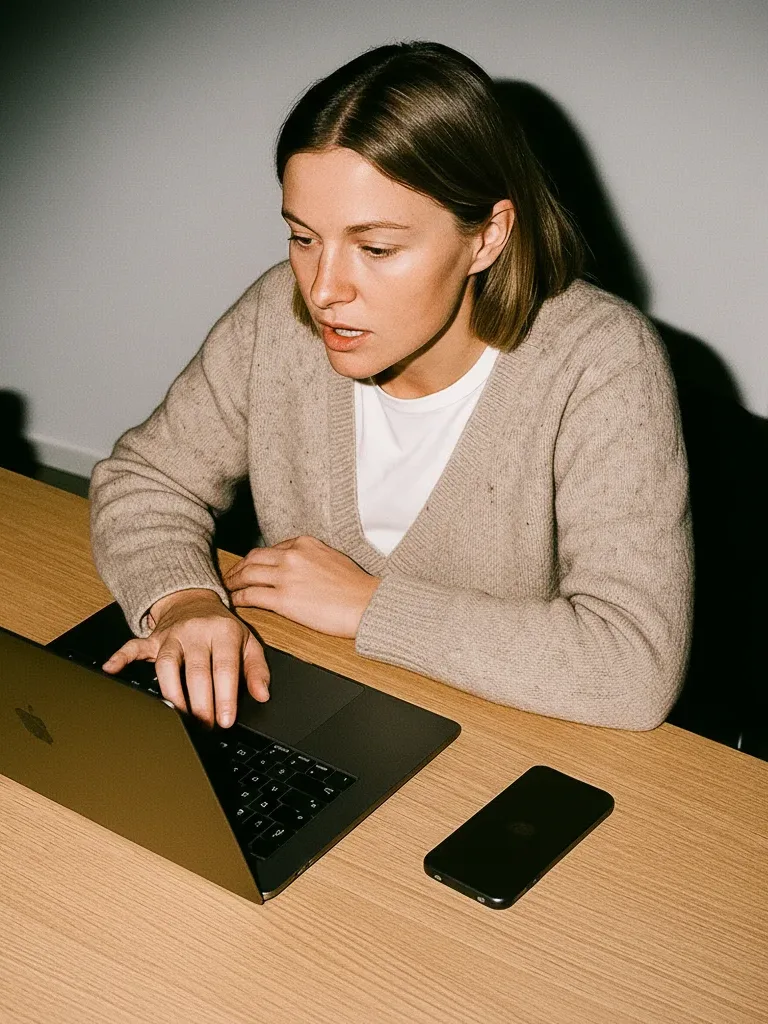





Works everywhere you already type†
No text field selected? Tulpa copies your words to the clipboard and tells you, so nothing is lost.
Communication styles
Speak in any app with a text field. Tulpa turns your voice into ready-to-use words right where your cursor is.
What you say
Um, can we move our team sync to Thursday? Alex is still waiting on access, and those staging keys need rotating, you know.
What lands in your app
Can we move our team sync to Thursday? Alex is still waiting on access, and the staging keys need rotating.
The way you work
From a quiet flight to a quick reply, Tulpa keeps up with the place and pace of your work.
Turn on Airplane Mode. Keep talking. Tulpa keeps up.
From a quick reply to a command, Tulpa follows the cursor.
Your words, your way
Add specialist terms and dictate naturally in the languages you use every day.
Medical terminology, marketing shorthand, legal phrases, and even Pokémon names stay spelled your way.
On your Mac, there are 100 ways to say:
Private by design
Keep transcription on your Mac, then choose whether any optional cleanup uses a model you connect.
Pick the policy that fits your team.
Transcription happens where you're sitting, not on someone's server.
New features
We keep refining Tulpa around the moments that make dictation feel natural. Here’s a closer look at focused dictation.
Tulpa types into your selected text field. If nothing is selected, your transcript is copied to the clipboard, ready to paste.
Private by design
No audio recordings, no screenshots, no account to get started. If you want a cloud model, you bring your own key, and Tulpa tells you plainly what changes before you connect.
| Question | Tulpa | Superwhisper* | Wispr Flow* |
|---|---|---|---|
| Where your voice is transcribed | On your Mac, always | On your Mac or in the cloud, depending on the model | In the cloud |
| Audio recordings kept | None, ever | Saved with your history | On its servers when cloud storage is on |
| Reads your screen for context | Never | Super Mode uses what you're working on | Context Awareness can send a screenshot and on-screen text |
| Cloud AI | Only with your own key, after a plain warning | Built-in cloud models, or your own key on Pro | Built in |
| Model training | No. Tulpa does not train on your audio or transcripts. | No. Says customer content is not used to train, fine-tune, or improve models.* | Optional. Audio, transcripts, and edits may improve models when enabled. Data controls |
 Solo
Solo
 Tulpa Solo


 Teams
Teams
 Tulpa Teams
FAQ